 English
 Bengali
vb8000 App Native Android Gaming Built for Bangladesh Players
The vb8000 Android application ships as a direct APK from vb-8000.net/vb8000.apk. Google Play refuses to host real-money gambling apps in Bangladesh, so every licensed operator serving this market distributes through direct download — this is standard practice, not a red flag. The install file weighs roughly 22.8 MB and functions on any handset running Android 5.0 or higher. An iOS build isn't offered because Apple's App Store prohibits real-money gambling for Bangladeshi accounts, and iOS sideloading isn't practical for typical users. iPhone owners still enjoy the complete casino catalogue via Safari or Chrome on the mobile website. Explore the full library of games today.
Why the vb8000 Mobile App Delivers More
Competing casino apps typically demand Android 7.0 or above. We deliberately support Android 5.0 because phone replacement in Bangladesh often takes five or six years — locking out older devices would exclude a huge portion of players. The tradeoff on our side is around 4 MB of extra backward-compatibility code inside the APK. The gain on your side is smooth access on hardware that newer competitors simply refuse to run on.
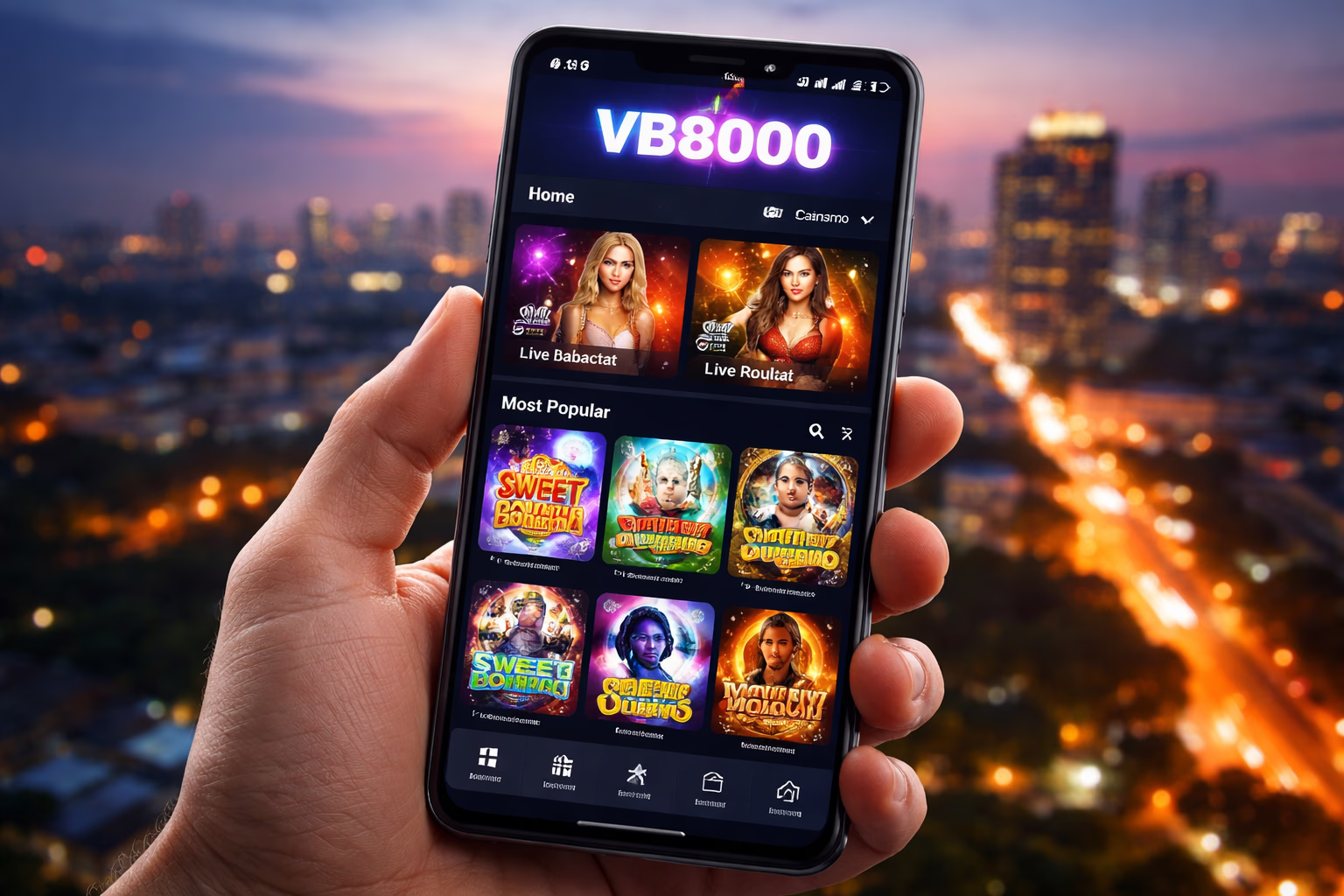
The app packages the entire casino floor, sportsbook and live dealer suite into an interface that feels sharper and steadier than the mobile browser. Live streaming maintains higher frame stability, push alerts fire for bonus drops and match kickoffs, and session persistence prevents you from losing your place when jumping between apps or answering a call.
All account data — balance, active bonuses, verification tier, wagering progress and history — is stored server-side, never locked to a specific device. Open the platform on your laptop, keep playing on your Android, wrap up on a tablet later. No re-syncing, no lost sessions, no duplicate logins required across surfaces.
Play NowMobile App Benefits Tailored for Every Player Type

Instant Home-Screen Launch
Tapping the vb8000 icon opens the platform immediately — no typing URLs, no searching bookmarks, no chance of landing on a cloned phishing page by mistake. Given how common fake vb8000 mirror sites are in this market, the installed application acts as a phishing-proof gateway. Spin the reels in slots now.
Exclusive App Rewards
Selected promotions run only for app users — timed bonus drops synced with major cricket fixtures, free spin campaigns tied to featured slot releases, and rotating cashback boosts. Push notifications work inside the app whereas the mobile browser can't deliver them. Sign in to claim yours.
Hardened Account Security
The app manages credentials more safely than any browser-based login. There are no auto-filled browser passwords vulnerable to extraction, no shared cookies other tabs can abuse, and the native networking layer uses certificate pinning — even a compromised DNS won't reroute you to a counterfeit server. Enjoy safer betting.
Real-Time Push Alerts
Notifications cover deposit success, withdrawal completion, bonus activation, wagering finished, KYC approval via verification, match kickoff for pending bets, tournament rank changes, and important operator announcements. Every category is toggleable inside Android Settings → vb8000 → Notifications.
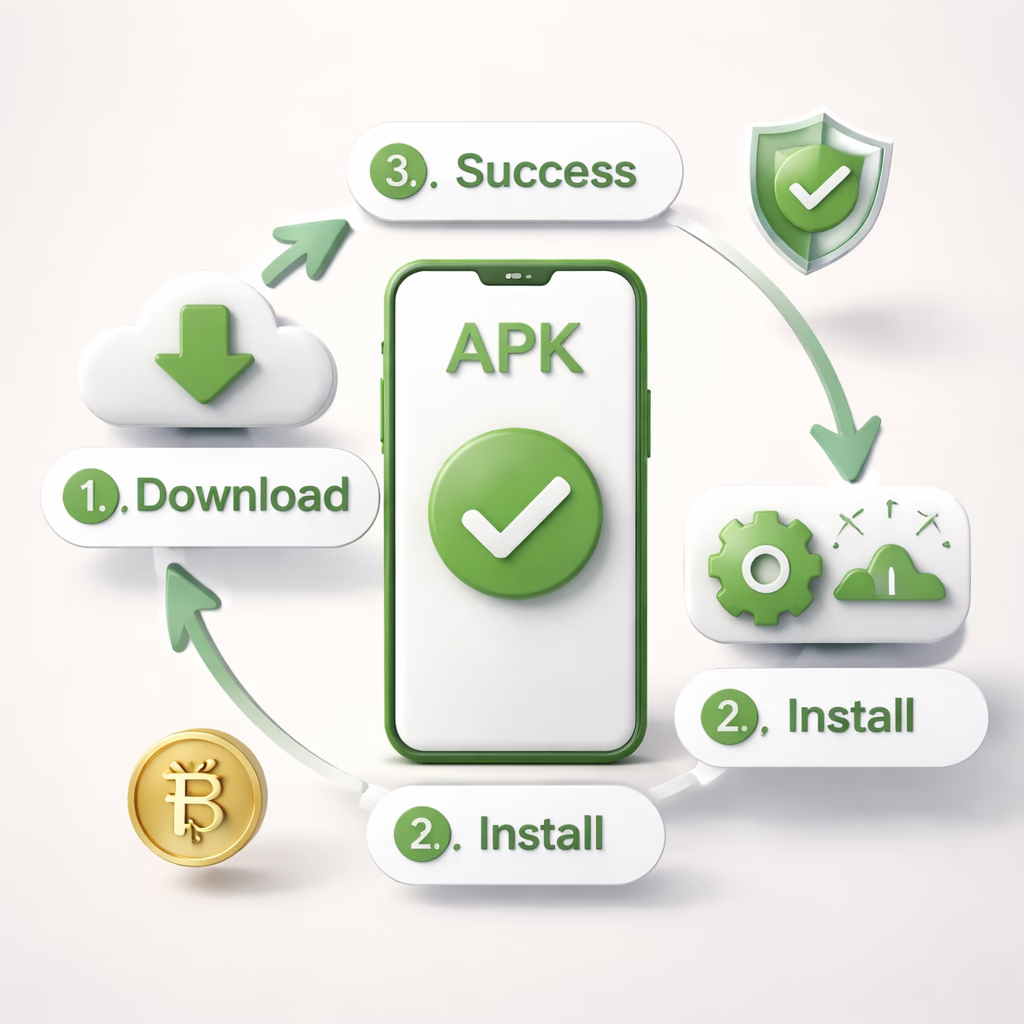
How to Download and Install the vb8000 APK
Step 1 — Retrieve the APK File
Press Download APK on this page or from any location on vb-8000.net. The installer (~22.8 MB) saves into your device's Downloads folder. Your browser may raise a security warning because Play Store didn't sign it — this behaviour is standard for every direct-download app in Bangladesh. Confirm and continue. If someone shared the link from anywhere besides vb-8000.net, manually type vb-8000.net into your browser and verify — phishing operators clone the APK visually while embedding spyware.
Step 2 — Permit Installation From Unknown Sources
By default Android blocks installations that don't originate from Play Store. When you open the downloaded APK, Android prompts you to authorise your browser (Chrome, Samsung Internet, or whichever you used) to install applications. Enter the settings shortcut, activate "Allow from this source", then return. You may disable the toggle again immediately after — permission is per-app. On Android versions before 8.0, look under Settings → Security → Unknown Sources instead.
Step 3 — Install and Open vb8000
Tap the APK inside your Downloads folder or the notification tray. Android will surface the requested permissions (Internet, Storage, Notifications, plus optional Camera access for in-app document uploads). Approve to continue. Installation completes in 10–30 seconds. First launch pulls a game asset cache of roughly 60–90 MB — a one-time cost, after which subsequent launches feel instant. Sign in using your existing vb8000 credentials — identical to the web account.
Where the vb8000 App Beats Desktop Play for Mobile-First Users
Launch speed. The mobile website reloads HTML, CSS, JavaScript, fonts and imagery on every visit. The application already stores those assets locally, so cold launches finish in under a second. Multiplied across dozens of daily sessions, this saves genuine minutes and reduces frustration for our players. Learn more about us.
Battery efficiency. Surprisingly, the app draws less power than the mobile browser for equivalent playtime. Browser tabs constantly re-render the full DOM and re-execute JavaScript with every touch; the app's native UI runs closer to hardware. During slot play, expect roughly 3–5% battery per hour on the app compared to 6–10% via mobile browser.
For desktop-focused players or anyone who genuinely prefers browser gameplay, the mobile site carries every game and functions correctly on any handset. The application isn't mandatory — it's simply the optimal choice for mobile-first players. Reach out via our contact team for setup help.
Enter the App
